Deploy NVbandwidth on Ubuntu 22.04
Install required dependencies
CUDA 11.x+(multi-node cuda 12.3+ drives 550+)、GCC 7.x+、CMake 3.20+、Boost program-options
Steps1
Get the NVbandwidth source code
cd nvbandwidth

Steps2
Install cmake
sudo apt install cmake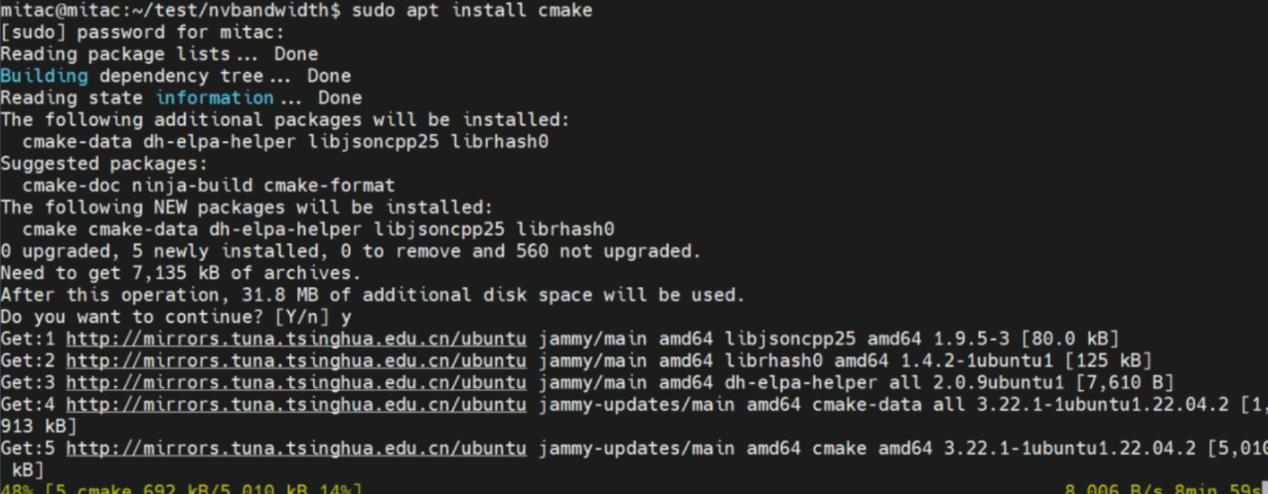
Steps3
Specify the CUDA path
cmake -DCMAKE_CUDA_COMPILER=/usr/local/cuda/bin/nvcc -DCUDA_TOOLKIT_ROOT_DIR=/usr/local/cuda..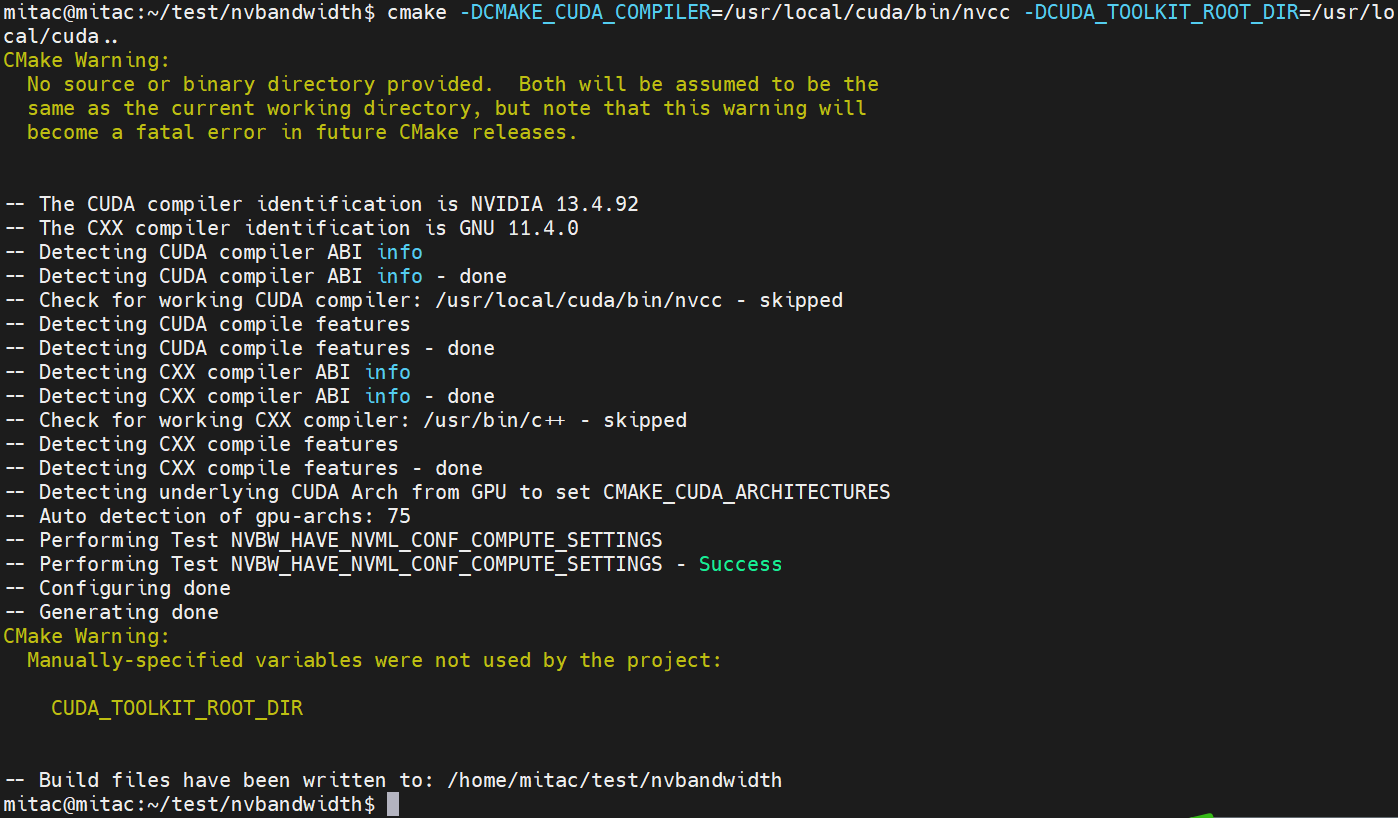
Steps4
Compile and build
sudo ./debian_install.sh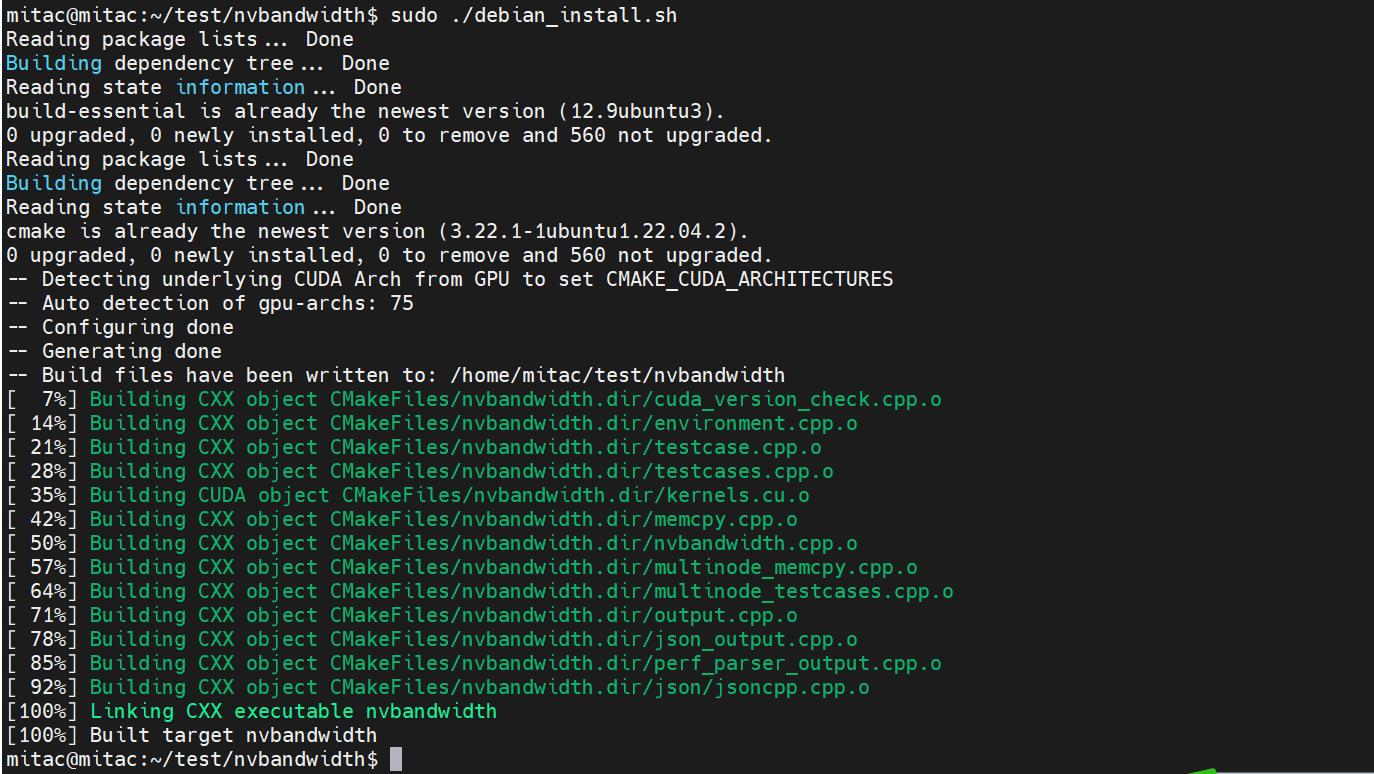
Steps5
Quick test
sudo ./nvbandwidth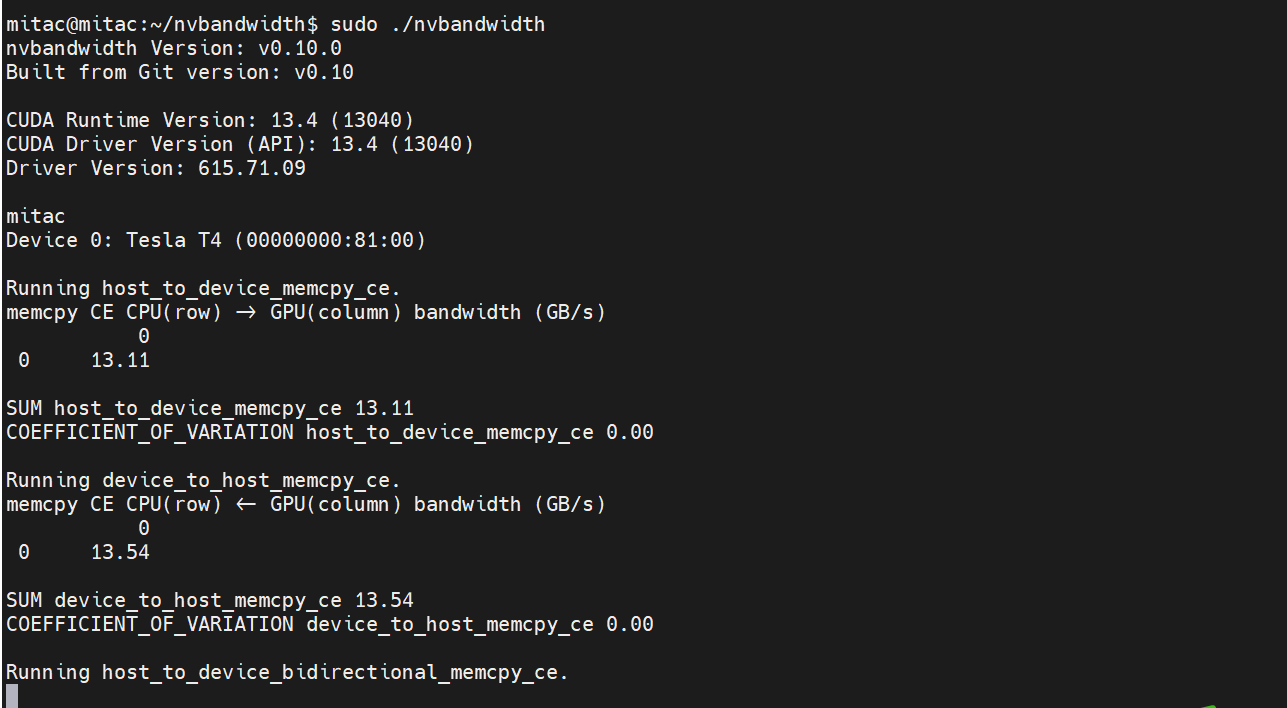
View help
Run. /Nvbandwidth - h